
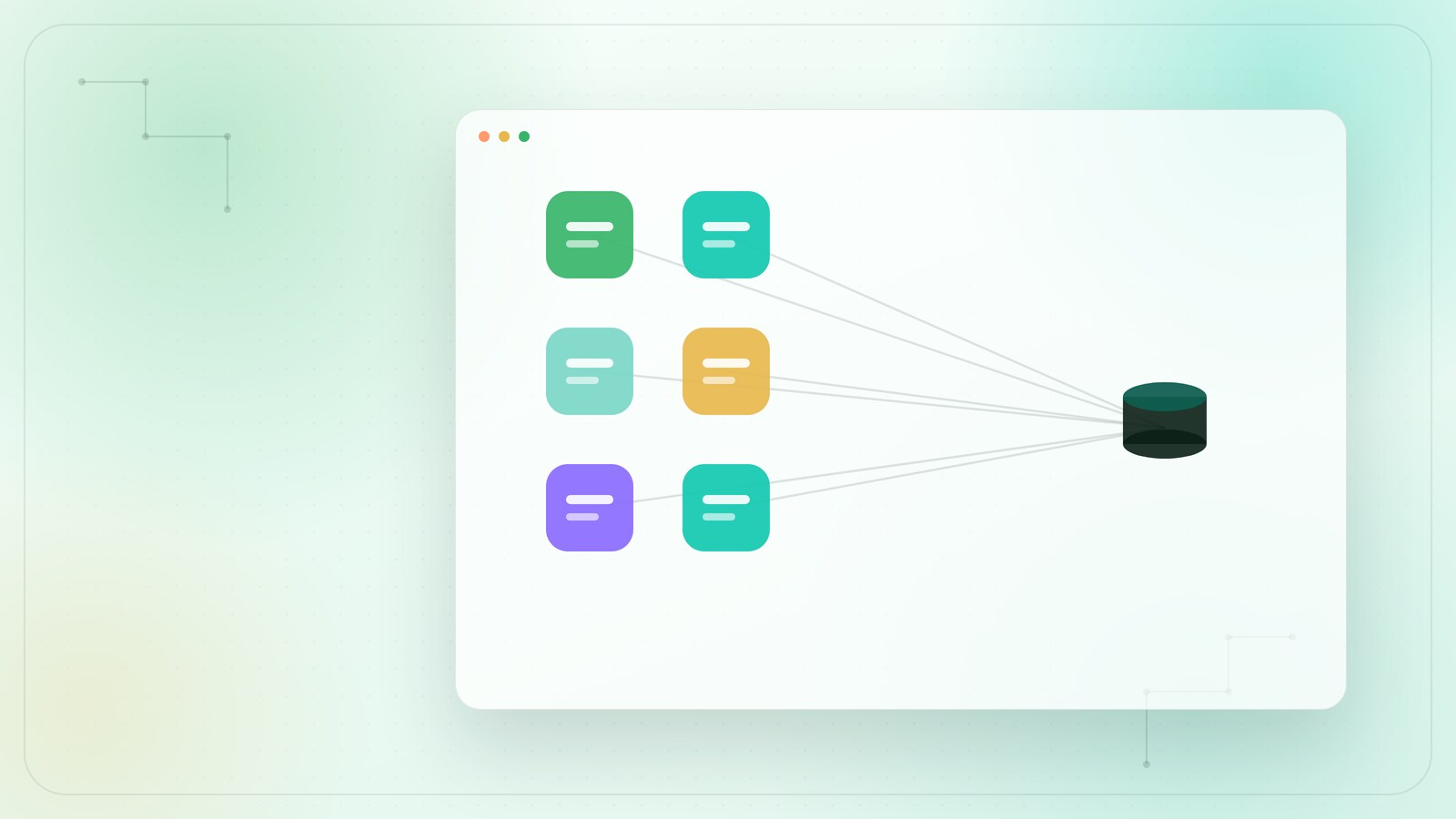
45% of employees report redoing a colleague's work because of unrefined AI generation. This statistic from the 2026 Founder Reports highlights a growing prompt governance void. Most organizations treat AI like a private sandbox. Prompts live in messy Slack threads. They hide in lost browser tabs. They vanish into the digital ether. This fragmentation creates friction. It erodes quality. It wastes your most valuable resource: time.
You likely feel the weight of this disorder. You see the inconsistent outputs. You feel the drag of constant re-engineering. A prompt library for teams is not just a storage bin. It is a shared cognitive surface. It is a curated digital layer that sits above your workflow. By centralizing your winning logic, you transform individual intuition into organizational intelligence. More clarity. Less noise. Better results.
This minimalist framework provides a path to digital serenity. We will show you how to move from chaotic copy-pasting to a curated repository. You will learn to build a clean, shared room for your team's collective intelligence. Expect predictable AI performance. Expect a cleaner workflow. Expect a team that moves smoothly and finishes things.
Key Takeaways
- Transition from fragmented interactions to a shared cognitive surface. Institutionalize collective knowledge.
- Construct modular templates with surgical intent. Define roles, tasks, and constraints for predictable AI performance.
- Implement a prompt library for teams to eliminate redundant effort. More flow. Less friction.
- Secure proprietary logic within a dedicated digital layer. Replace high-friction manual storage with integrated management.
Table of Contents
- What is a Team Prompt Library? Defining the Shared Cognitive Surface
- The Architecture of a High-Performance Team Prompt
- Manual Storage vs. Integrated Management Systems
- Deployment Strategy: Five Steps to Team Serenity
- Prompt Saver Pro: The Minimalist Choice for Teams
What is a Team Prompt Library? Defining the Shared Cognitive Surface
A prompt library for teams is a curated repository of high-performance AI instructions. It functions as a digital layer above your daily operations. It centralizes winning logic. It removes the guesswork. In 2026 workflows, the prompt library is the shared cognitive surface where proprietary business logic meets generative power. It transforms the "shadow AI" of individual users into institutional knowledge. One person masters a task; the entire organization inherits the capability.
This shift is vital for reducing cognitive load. Decision fatigue often stems from the blank cursor. Starting from zero every morning is a drain on resources. A library provides a starting point. It offers a clear path. More execution. Less hesitation. Better focus.
From Fragmented Chats to Organized Rooms
Messaging threads are chaotic. Prompts get buried under status updates and social chatter. This "copy-paste" culture creates immense operational friction. You find a prompt. You copy it. You paste it. You tweak it. You repeat the cycle tomorrow. It's an inefficient loop. Shared documents offer little relief. They are static lists. They lack context. They lack the interactive shell required for modern prompt engineering techniques to thrive.
The solution is an architectural shift toward a dedicated prompt library for teams. Teams need dedicated surfaces. Think of these as digital rooms. Each room is organized by purpose. Marketing has a room. Support has a room. Engineering has a room. Within these spaces, prompts aren't just text; they are tools. They are ready for immediate deployment.
Core Components of a Professional Prompt Shell
A professional prompt is more than a sentence. It is a structured shell. It contains specific metadata layers that ensure consistency. These include:
- Role and Context: Defining the persona and the background parameters.
- Variable Placeholders: Dynamic fields for client names, dates, or specific data points.
- Expected Outcomes: Clear definitions of the required output format and tone.
Version control is another critical layer. AI models evolve. A prompt that worked on GPT-4 might need refinement for newer iterations. A library tracks these changes. It prevents output degradation. Access tiers further refine the experience. They ensure that sensitive proprietary logic remains secure. Only the right people enter the right rooms. This is how you build a resilient, scalable AI environment.
The Architecture of a High-Performance Team Prompt
High-performance prompts are intentional. They aren't casual questions. They are modular shells. A robust prompt library for teams relies on this structural integrity. A well-designed prompt contains four pillars: Role, Task, Constraint, and Variable. The Role establishes authority. The Task defines the objective. Constraints provide the guardrails. Variables allow for team-wide versatility. This architecture ensures that the AI understands the "why" before it executes the "what."
Research from the Nielsen Norman Group suggests using the CARE prompt framework to ensure these components work in harmony. This framework, which covers Context, Ask, Rules, and Examples, creates a reliable blueprint for every interaction. By standardizing these elements, you encode your "Team Voice" directly into the machine's logic. You move from unpredictable chat sessions to a state of digital serenity. More precision. Less rework.
Variable Mapping for Team Versatility
Static prompts are rigid. They break when the context shifts. High-performance templates use placeholders to solve this. These dynamic inputs allow different team members to use the same logic for different clients. Pre-defining common variables, such as client industry or brand tone, reduces friction. It ensures consistency across user personas. A junior writer and a senior lead produce the same high-quality output. They use the same architectural layer. This level of precision is why tools like Prompt Saver Pro focus on clean, accessible interfaces for shared logic.
The Curation Process: Master Architect vs. Casual User
Not every prompt belongs in the permanent collection. Most AI interactions are ephemeral. They are noise. The prompt library for teams requires a Master Curator. This role filters the clutter. They identify "Golden Prompts," those rare instructions that deliver 10x ROI through repeated use. They refine the "Output Layer" to ensure every result is ready for client eyes. This curation prevents the library from becoming a digital junkyard.
The "Move Smoothly" philosophy dictates this process. It's about discipline. It's about refinement. You don't just add; you curate. You remove the obstacles. You polish the shells. This ensures the library remains a space of high-end minimalism. Clarity over volume. Precision over hype. When the architecture is sound, the entire organization moves with a quiet confidence.
Manual Storage vs. Integrated Management Systems
Manual prompt management is a hidden tax on productivity. It is the friction between thought and execution. When teams rely on scattered notes, they experience "prompt sprawl." This disorder erodes the benefits of AI. A professional prompt library for teams replaces this chaos with a structured environment. It provides a single source of truth. It ensures every interaction is intentional. It scales with your organization. From 3 users to 300, the surface remains clean.
Security is a primary concern. Public documents and shared spreadsheets are architectural liabilities. They lack the encryption required for proprietary business logic. They expose your competitive advantages. Implementing a robust prompt governance framework is essential for modern data integrity. It moves your logic from vulnerable surfaces to protected rooms. Security becomes a silent layer. Protection without complexity.
The Limits of the 'Shared Doc' Approach
Shared documents are static. They are where prompts go to die. The "Where did I see that?" problem is a constant drain on mental energy. Search friction is high. You scroll through endless lists. You waste time formatting. The psychological weight of a messy prompt list creates hesitation. It prevents the "move smoothly" philosophy from taking root. A shared doc cannot execute. It is an obstacle, not a tool. It is the opposite of digital serenity.
The Case for Prompt Saver Pro
Prompt Saver Pro offers a refined alternative. It is a minimalist desktop layer. It sits directly on your workflow surface. Access is live. Execution is immediate. There's no tab-switching. No context-breaking searches. It reduces the steps between your idea and the AI's output. It's a curated environment. It prioritizes the user's mental space. Sensitive instructions remain encrypted. Privacy is built into the architecture. You achieve operational flow. You resolve friction. You finish things.
Deployment Strategy: Five Steps to Team Serenity
Deployment is a discipline. It is a transition from accidental AI usage to intentional orchestration. Implementing a prompt library for teams requires more than a software installation. It requires a shift in perspective. You are building a permanent cognitive layer. This process must be methodical. It must be organized. It must be clean. Follow these five steps to move from fragmented silos to organizational flow.
Step 1: The Internal Prompt Audit
Identify the most frequent AI tasks within your department. Gallup’s 2026 survey indicates 52% of employees now use AI in their roles. Much of this usage is "Shadow AI"—undocumented, fragmented, and hidden in private browser histories. Locating these "Hidden Gems" is the first priority. Map each task to a specific business outcome. Understand the flow. Reveal the logic. This audit provides the blueprint for your shared surface.
Establish the "Prompt Shell" architecture early. Use the modular pillars of Role, Task, and Constraint. Migrate high-value prompts from private silos to the shared library. This is the moment where individual intuition becomes institutional capital. By centralizing these instructions, you reduce the rework reported by 45% of employees in the 2026 Founder Reports. You eliminate the drag of unrefined generation.
Step 2: Defining Access and Ownership
Establish clear boundaries for who can create, edit, and archive assets within your repository. A functional prompt library for teams requires designated maintainers to prevent structural chaos. Assign category owners across different departments to review incoming submissions. Clear ownership ensures that prompts remain aligned with evolving business objectives without overwhelming the core contributors.
Step 3: Establishing Naming and Tagging Conventions
Consistency is the backbone of searchability. Implement a strict taxonomy using clear prefixes, context tags, and version numbers for every entry. When team members can instantly locate the right template through intuitive categorization, adoption rates soar. Standardized naming turns a cluttered folder into a streamlined, high-performance operational utility.
Step 4: Standardising the Refinement Loop
Prompts must earn their place. Test every instruction before it enters the permanent collection. Apply the "More Clarity / Less Noise" editing framework to every submission. Focus on the result. Remove the fluff. The Refinement Moment is a team ritual where collective intelligence is polished for the shared record. It ensures the library remains a high-end utility rather than a digital storage bin. Precision is the only standard.
Step 5: Ongoing Maintenance and Optimization
Maintenance is the final pillar. Monitor the "Friction Level" monthly. Prune irrelevant prompts that no longer serve the workflow. Clutter is the enemy of focus. A lean library is a functional library. It preserves mental space. It ensures that every team member finds exactly what they need in seconds. No scrolling. No hesitation. Just immediate productivity.
To resolve operational friction and begin your transition, deploy your prompt library for teams with Prompt Saver Pro. Move smoothly. Finish things.
Prompt Saver Pro: The Minimalist Choice for Teams
Prompt Saver Pro is the refined solution for the modern organization. It is the architectural answer to prompt sprawl. It provides a dedicated prompt library for teams that functions as a silent, high-performance layer. It removes the clutter of mass-market utilities. It prioritizes clarity. It values focus. This tool is designed for those who seek digital serenity without sacrificing operational power. It is the bridge between fragmented thought and collective execution.
High-end minimalism is the core of the experience. The interface is a clean surface. It reduces cognitive load. It eliminates the frantic search for lost instructions. By housing your winning logic in a focused design, you ensure that every team member operates from a state of professional composure. Commercial-grade security protects your proprietary intelligence. Your competitive advantages remain within your private rooms. Security is a silent pillar. Protection without complexity.
A Curated Experience for Professional Users
Most AI tools possess a frantic energy. They are crowded with unnecessary features. They are loud. Prompt Saver Pro is different. It is a quiet room in a noisy industry. The editorial-style onboarding ensures that commercial users enter a space of immediate productivity. There is no learning curve; there is only a transition to flow. It feels like a boutique experience rather than a mass-market utility.
Direct live access is the defining functional moment. The tool moves as fast as you think. It sits directly on your desktop layer. It is always within reach but never in the way. This proximity reduces the steps between an idea and an AI output. You maintain your focus. You preserve your mental energy. You move smoothly through your tasks. More execution. Less hesitation. Better results.
Next Steps: From Chaos to Curation
Reducing friction in your team's AI workflow starts today. The transition from chaos to curation is a choice. It is a commitment to organizational discipline. A secure, shared prompt layer is more than a convenience. It is an investment in your institutional intelligence. It is the difference between a messy Slack thread and a master gallery of logic. It is the foundation for a scalable, intelligent future.
Choose the path of clarity. Build a shared cognitive surface that empowers every member of your organization. Resolve the friction of unrefined generation. Institutionalize your best logic. Move from individual intuition to a curated collective intelligence. Experience Digital Serenity with Prompt Saver Pro. Move smoothly. Finish things.
Toward Organizational Flow
AI is no longer a personal experiment. It is institutional capital. A prompt library for teams transforms chaotic interactions into a permanent cognitive layer. You have explored the modular shell. You understand the deployment strategy. Now, the transition to digital serenity begins. High-end minimalism replaces operational friction. Curation replaces noise. Precision is the standard. Flow is the outcome.
Neatve provides curated premium software solutions built with a minimalist architectural design. We prioritize your mental space. Our tools offer encrypted private messaging and secure workflows to protect your proprietary logic. Move beyond the clutter of manual documents and fragmented chats. Your team deserves a shared gallery of logic. Eliminate the drag of rework. Institutionalize your best intuition. Build your collective intelligence layer today.
Refine your team's AI workflow with Prompt Saver Pro. Build with confidence. Move smoothly. Finish things.
Frequently Asked Questions
What is the best way to organize AI prompts for a small team?
Organization requires architectural clarity. Group prompts by functional "rooms" or categories like Marketing, Support, or Engineering. Use clear labels and metadata to define the intent of each instruction. Avoid deep folder hierarchies that increase search friction. A flat, searchable structure ensures your prompt library for teams remains accessible. Prioritize high-frequency tasks to reduce the team's daily cognitive load. Curation is the only path to flow.
Can a prompt library help improve the consistency of AI outputs?
Standardization is the primary benefit of a shared repository. By using a curated shell, you ensure every team member applies the same roles, constraints, and variables. This reduces output errors by up to 76% according to SQ Magazine analysis. It eliminates prompt drift caused by individual improvisation. Every generation follows your established brand voice. Consistency becomes a silent byproduct of your shared cognitive surface. More precision. Less rework.
Is it secure to store business-sensitive prompts in a shared library?
Security depends on your chosen digital layer. Avoid public documents or shared spreadsheets that lack encryption. Professional tools like Prompt Saver Pro offer a secure environment for proprietary logic. They prioritize private messaging and encrypted workflows to protect your competitive advantages. This ensures sensitive instructions remain within your organization's private rooms. Governance is essential for maintaining institutional capital without risking data exposure. Protection remains a silent, vital layer.
How do I encourage my team to actually use a prompt management tool?
Adoption follows the path of least resistance. Integrate the tool directly into the existing workflow to remove context-switching. If a tool requires multiple logins or tab-switching, it will fail. Focus on the move smoothly philosophy by demonstrating immediate time savings. Highlight the reduction in rework and the ease of direct live access. When the tool feels like a natural extension of the desktop, usage becomes intuitive. Efficiency is its own reward.
What is the difference between a prompt template and a prompt library?
A prompt template is a single modular shell. It contains the logic, variables, and constraints for one specific task. A prompt library for teams is the curated collection of these templates. The library provides the architectural framework for discovery, version control, and access management. Think of the template as a tool and the library as the organized workshop. One is a functional moment; the other is institutional knowledge.
How often should a team prompt library be updated or audited?
Conduct a friction audit every thirty days. AI models evolve and prompt drift can occur as underlying logic changes. Regular pruning ensures the library remains a high-end utility rather than a digital storage bin. Remove irrelevant instructions that no longer serve the current workflow. Update variables to reflect new brand guidelines or client needs. This discipline preserves the library's integrity and prevents cognitive clutter. Maintain your surface with surgical intent.
Can Prompt Saver Pro integrate with different AI models?
Prompt Saver Pro functions as a minimalist desktop layer. It provides direct live access to your logic across any browser-based AI environment. Whether your team utilizes ChatGPT, Claude, or Gemini, the interface remains consistent. It acts as a bridge between your curated repository and the AI's input field. This model-agnostic approach ensures your proprietary logic remains portable and resilient. You maintain control over your cognitive surface. Flow is model-independent.
What are the first three prompts every team library should contain?
Every library needs a foundational trio to establish organizational flow:
- The Brand Voice Shell: Encodes your tone, style, and constraints for all public-facing content.
- The Executive Summarizer: Distills complex internal data into actionable bullet points.
- The Quality Guardrail: A checker prompt that reviews AI outputs against specific business criteria.
These three pillars provide immediate operational value and reduce daily friction. They serve as the core layers of your team's digital intelligence.